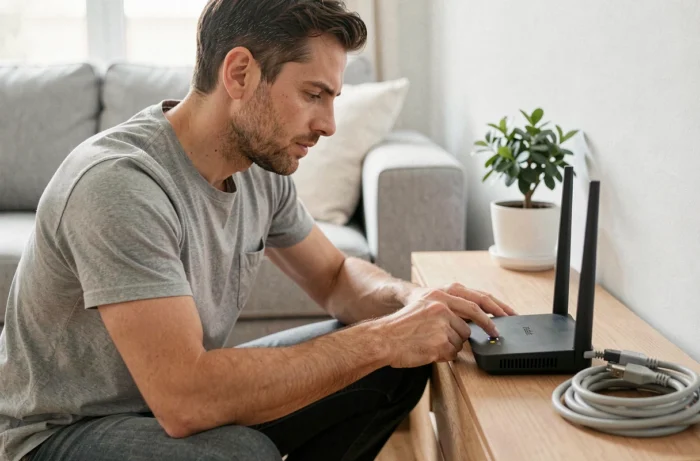
The Freebox Delta is based on a two-box architecture, the Server and the Player, each having its own operating system. A restart affects the software stack of the concerned box: it clears the RAM, restarts network processes, and reapplies the active configuration. This operation does not affect custom settings or recordings stored on the internal disk.
Failed Freebox Delta Restart: Identify the Real Issue
A standard restart of the Server, either by unplugging it or via the Free app, resolves most slowdowns and brief outages. When the connection does not return after this action, the problem often lies elsewhere than in the box itself.
Before restarting your Freebox Delta a second time, observe the indicators on the Server. A fiber LED that is off or blinking red indicates an upstream issue: the optical fiber between the PBO (optical connection point, located on the front or in common areas) and your box may be damaged or poorly connected.
Differentiating box failure, fiber failure, and Free network failure helps avoid wasting time on unnecessary restarts. Three common scenarios arise:
- The Server restarts but remains stuck at a synchronization step for several minutes: fiber resynchronization is in progress, and interrupting it by unplugging again worsens the issue.
- The Server powers on normally, the indicators are green, but no device obtains an IP address: a DHCP conflict or a software update pending reboot may block network distribution.
- The Server displays an error code or loops on a specific step: the fault often originates from the optical link or a network intervention on Free’s side, not from the hardware itself.
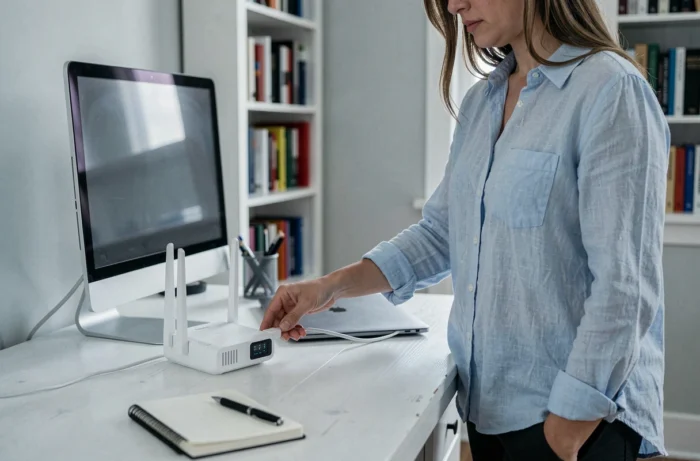
Freebox Delta Server Restart Procedure
The Server is the box that manages the internet connection, Wi-Fi, and storage. It should be restarted first in case of connectivity issues.
Restart via the Free App
The Free app (formerly Freebox Connect) allows you to restart the Server remotely from a smartphone, even outside the home. In the box settings, the restart function is found in the system section. This method is preferable to unplugging, as it gives the system time to properly close its processes.
Restart by Unplugging
If the interface is unresponsive, unplug the power cable from the Server. Wait about thirty seconds before plugging it back in. This delay allows the capacitors to discharge and the firmware to restart on a clean slate.
Never plug the box back in during the resynchronization phase. The Server may take several minutes to regain the fiber signal after a restart. Interrupting this step forces a new complete cycle and prolongs unavailability.
Freebox Delta Player Restart
The Player is independent of the Server. A black screen or freezing of the TV interface does not require restarting the entire setup. Two options are available.
Using the remote control, access the system settings and select “Restart.” The Player will turn off and then restart its Android TV system. If the remote control is unresponsive, unplugging the Player alone will produce the same result.
Restarting the Player does not cut the internet connection for other devices in the house. The Server continues to operate normally throughout the process.
Software Updates and Restarting the Freebox Delta
Free regularly deploys patches for the Server and the Player. Some updates, particularly those affecting Wi-Fi or the network stack, only take effect after a restart of the Server. A subscriber noticing erratic Wi-Fi behavior after a notification of an update should manually restart rather than wait for a hypothetical automatic reboot.
To check if an update is pending, the Freebox OS interface (accessible via mafreebox.freebox.fr on the local network) displays the active firmware version. Comparing this number with the latest version published by Free on its official channels helps determine if a post-update restart is relevant.
Preparing to Call Free Support After an Ineffective Restart
When several successive restarts have made no difference, the problem extends beyond the box. Contacting support becomes the next step, but the quality of the information provided determines the speed of diagnosis.
Before the call, note: the exact model of your Freebox (Delta Server V7), the status of each indicator light (color, blinking), the step number where the Server gets stuck if applicable, and the list of actions already taken. Documenting these elements avoids repeating basic checks with the technician and directs immediately towards a network diagnosis or an intervention on the PBO.
If the fiber LED remains inactive after the restart, the fault likely lies between the optical node and your home. A field technician will then be necessary, and no additional reboot will change the situation.
The line between a useful restart and a futile pressing of the power button lies in observing the indicators and understanding the role of each box. A Server that restarts properly but does not regain fiber signal points to infrastructure issues, not a software bug.